
You need to pick the best CO2 laser power supply for your project. You can do this by making sure it fits your laser tube. You should also check if it works with your machine. It is important to look for good quality and safety. These steps are easy and help you choose well.
- Match to your laser tube.
- Check machine compatibility
- Focus on quality and safety
Feiju Laser gives expert help and trusted products for what you need.
Principales conclusiones
- Pick a CO2 laser power supply that fits your laser tube’s wattage and voltage. This helps your machine work well.
- Make sure the power supply works with your machine’s model and control system. This stops problems when you use it.
- Choose a power supply with good quality and safety features. Look for certifications and safety parts to keep your equipment and workspace safe.
- Follow a checklist with steps to help you pick the right power supply. This helps you make smart choices.
- Ask experts from trusted suppliers like Feiju Laser for advice. They can help you find the best power supply.
Match to Laser Tube
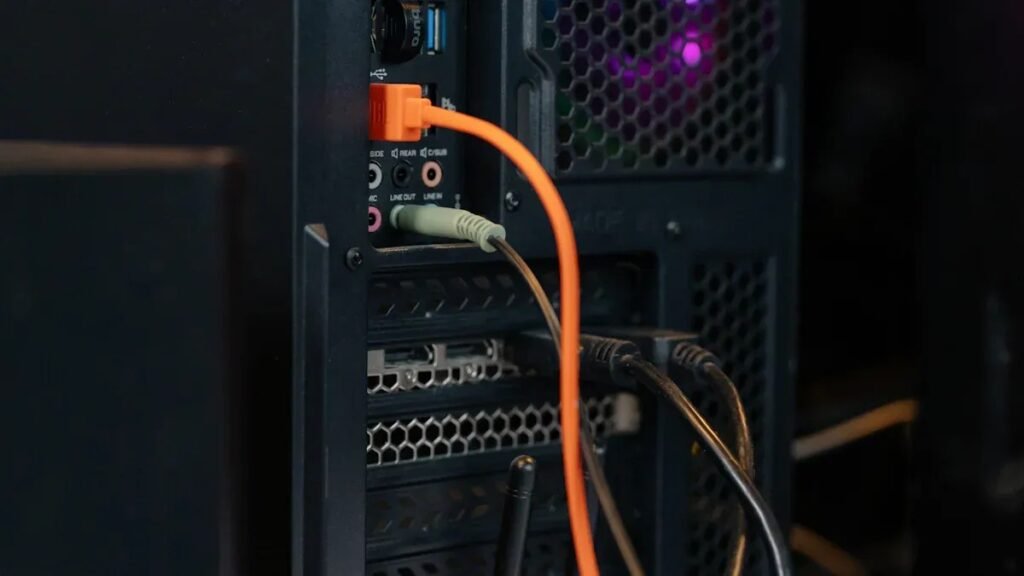
Wattage and Voltage Selection
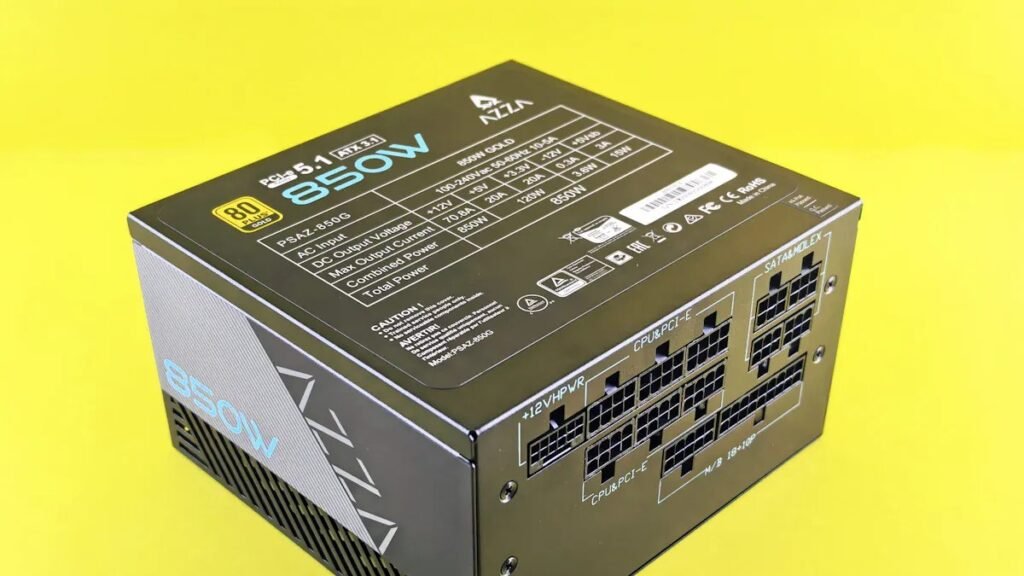
Picking a CO2 laser power supply starts with matching wattage and voltage. You need to know your tube’s model and what power it needs. Most tubes like 60W, 80W, and 100W use 110V or 220V input voltage. The table below shows some common choices:
| Modelo | Tensión de entrada | Potencia |
|---|---|---|
| 60W | 220V or 110V | 60W |
| 80W | 220V or 110V | 80W |
| 100W | 220V or 110V | 100W |
Always check your tube’s label or manual for these numbers. Using the wrong wattage or voltage can break your equipment or make it not last as long. If you have a 100W tube, you need a power supply that fits 100W and the right voltage.
Tip: When you match the power supply to your tube, it works better and lasts longer. DC power supplies give steady power for most CO2 laser tubes. Water-cooled models help high-power tubes stay cool and work longer.
Especificaciones del fabricante
You should look at the manufacturer’s specs before buying a CO2 laser power supply. Top brands show wattage, voltage, and cooling needs for each tube. These specs also tell you what materials you can cut and how fast you can engrave. The table below helps you compare:
| Vatios | Max. Cutting Thickness | Velocidad de grabado | Lo mejor para | Coste |
|---|---|---|---|---|
| 40W | ≤3mm (wood, acrylic) | 500–700 mm/s | Small crafts, prototypes | $200–500 |
| 60W | ≤6mm (plywood, metals) | 800–1,000 mm/s | Mid-volume production | $600–1,200 |
| 80W | ≤8mm (dense materials) | 1,200–1,500 mm/s | Heavy cutting, engraving | $1,500–3,000 |
| 100W | ≤12mm (industrial) | 1,500+ mm/s | Large-scale manufacturing | $3,500–7,000 |
Here are the steps to check specs:
- Check the highest output voltage and current.
- Make sure the power supply gives steady performance.
- Look for features that save energy.
- Think about your workspace’s temperature and humidity.
- Make sure it works with your tube and cooling system.
Feiju Laser and other trusted brands give expert help and good CO2 laser power supply choices. You can ask their support teams if you need help matching your tube and power supply.
CO2 Laser Power Supply Compatibility
Machine Model and Control System
You have to make sure your CO2 laser power supply matches your machine and control system. Every laser machine needs a certain kind of power supply. For example, Muse Titan and Pro Series machines use a 90W CO2 laser power supply. The Muse Titan Desktop CO2 Laser needs AC 110V, but you can also use 220V. Always look at your machine’s manual or label for this information.
- Muse Titan and all 90W Pro Series machines (PS24/PS36/PS48) need a 90W CO2 laser power supply.
- Muse Titan Desktop CO2 Laser uses AC 110V, but 220V works too.
If you pick the wrong power supply, your machine might not work or could break. You should also check the control system. Some machines use different control signals, like TTL or PWM. These signals help control how strong the laser is. For example, K40-type machines need special PWM control and high voltage. The voltage depends on how long the tube is. A 40W laser needs between 14,000 and 20,000 volts to work well. Always match the control system with your CO2 laser power supply.
Key Compatibility Factors
You need to check a few important things to make sure your CO2 laser power supply works with your machine. The table below shows the most important ones:
| Factor clave | Descripción |
|---|---|
| Maximum Output Voltage | Controls how well the laser cuts and engraves. Needed for good results. |
| Compatibilidad de tensión de entrada | Make sure the power supply matches your system’s voltage. Stops electrical problems. |
| Estabilidad de la corriente de salida | Keeps the laser working smoothly. Helps your projects look better. |
Other things to remember are:
- Use the right connectors for your machine.
- Make sure the power supply fits in your machine.
- Check cooling needs. Always use cooling water before turning on the CO2 laser power supply.
- Add water temperature sensing to keep the laser tube safe.
- The power supply that comes with your machine may not support extra loads, so be careful with connections.
Tip: If you are not sure if your power supply will work, you can ask Feiju Laser for help. Their team can help you choose the right CO2 laser power supply for your machine.
Quality and Safety Features
Build and Certifications
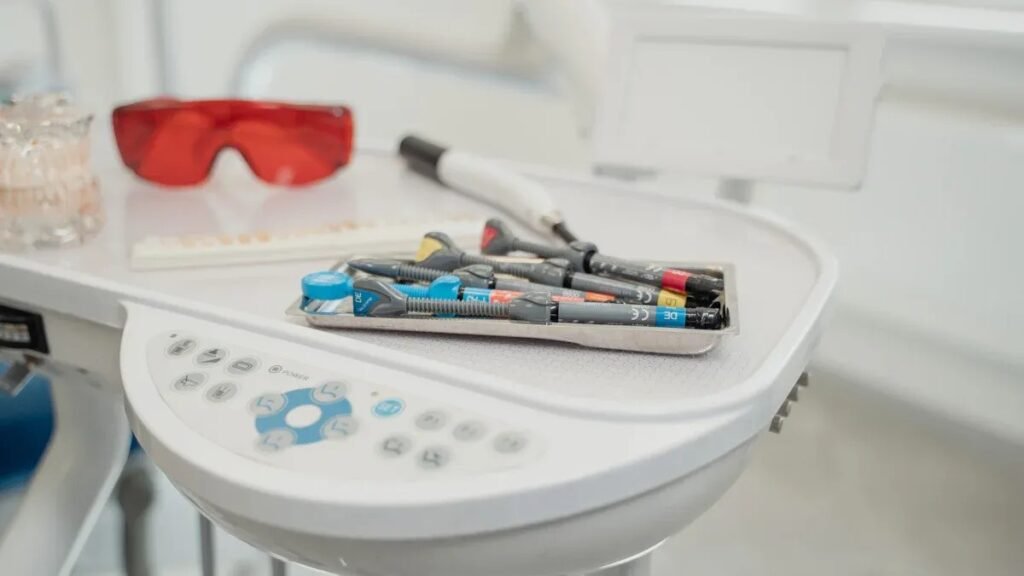
When picking a CO2 laser power supply, look for strong build quality. A sturdy unit lasts longer and works better. Top brands like Láser Feiju are known for being reliable and efficient. Cloudray costs less but has mixed reviews about quality. You want a power supply that feels solid and comes with a good warranty.
Certifications show a product meets safety and quality rules. Look for these important certifications:
| Certification Type | Descripción |
|---|---|
| UL Certification | Make sure it is safe and works well. |
| CE Certification | Shows it meets European safety rules. |
| ISO9001 Quality System | Means the company manages quality well. |
| FDA Compliant | Follows U.S. food and drug safety rules. |
These certifications help keep you and your equipment safe. They also show the company follows strict rules.
Note: Groups like ANSI and OSHA make safety rules for CO2 laser power supply makers. These rules help keep you safe and lower risks.
Safety Protections
Always check for safety features before you buy. Good safety protections keep you and your workspace safe. Here are some important safety features:
| Safety Protection | Descripción |
|---|---|
| Enclavamientos de seguridad | Stops the laser if you open the doors. |
| Fire Extinguishers | Stops fires from spreading if something goes wrong. |
| Proper Ventilation | Removes fumes and keeps the air clean. |
| Equipos de protección individual | Protects your eyes and skin from laser dangers. |
| Vidrio laminado de seguridad | Blocks harmful laser light in windows. |
| Etiquetas de advertencia | Reminds you about laser dangers. |
| User Bay Door Safety Interlocks | Turns off the laser when doors open. |
Feiju Laser is known for advanced safety features and good control. Cloudray is cheaper, but some users say it is less reliable and safer. Always pick a CO2 laser power supply from a brand that cares about safety. This helps you avoid accidents and keeps your machine working well.
Quick Checklist
Step-by-Step Guide
You want to pick the right Fuente de alimentación para láser de CO2. This checklist can help you make a good choice. Follow each step so you do not make mistakes. You will get better results for your project.
Step-by-Step Process:
- Test Different Power Settings
Try out different power levels first. Watch how each one changes the cutting speed and quality. - Perform Material Testing
Use small pieces of your material. Test with different power settings and write down what happens. - Adjust Cutting Parameters
Change the laser power a little at a time. Look for the best mix of speed and quality. - Verify Repeatability
Cut the same material in more than one batch. See if the results are always the same. - Apply in Real Conditions
Use your chosen power setting when you make real things. Make small changes if you need to get better results. - Consider Safety and Cost
Think about how your settings can wear out your equipment. Check how much it costs to keep things working. Always put safety first.
Tip: Testing and changing your power supply settings helps you get good and steady results.
Frequently Overlooked Steps:
- Check what voltage your Láser de CO2 needs. Some need a 220V outlet, not the usual 110V.
- Look at how much current all your devices use. Make sure your power supply can handle everything.
- Talk to your supplier about power needs before you buy. This helps you avoid problems later.
| Checklist Item | Why It Matters |
|---|---|
| Test power settings | Make sure cutting works its best |
| Material testing | Matches power to the material |
| Adjust cutting parameters | Helps speed and quality |
| Verify repeatability | Checks if results stay the same |
| Real application test | Proves settings work in real use |
| Safety and cost considerations | Keeps equipment safe and saves money |
| Voltage and current check | Stops electrical problems |
| Supplier discussion | Prevents problems with matching parts |
Use this checklist every time you pick a Fuente de alimentación para láser de CO2. You will have fewer problems, and your work will go smoothly.
You can pick the right CO2 laser power supply by following three simple steps. Match the power supply to your laser tube, check your machine’s compatibility, and focus on quality and safety. These steps help you make smart choices and avoid problems.
- Ask Feiju Laser for expert advice.
- Download a buying guide for extra support.
Ready to upgrade your laser project? Take action today and get the results you want.
PREGUNTAS FRECUENTES
What happens if you use the wrong CO2 laser power supply?
You could break your laser tube or machine. Using the wrong power supply makes your laser work badly. It can also be unsafe. Always use the power supply that matches your tube and machine.
How do you know if a power supply is compatible with your laser machine?
Read your machine’s manual for voltage and wattage. Look at the connector types too. Compare these numbers to the power supply specs. If you are not sure, ask your supplier for help.
Why do certifications matter for CO2 laser power supplies?
Certifications mean the power supply is safe and of good quality. Picking certified products keeps you and your equipment safe. Look for marks like UL, CE, or ISO9001.
Can you install a CO2 laser power supply by yourself?
You can do it if you know about electronics. If you do not, get a professional to help. Installing it wrong can hurt you or break your machine.

 Spanish
  English
  Indonesian
  Portuguese
  Arabic
  German
  Turkish
  French
  Russian